Edits in milliseconds
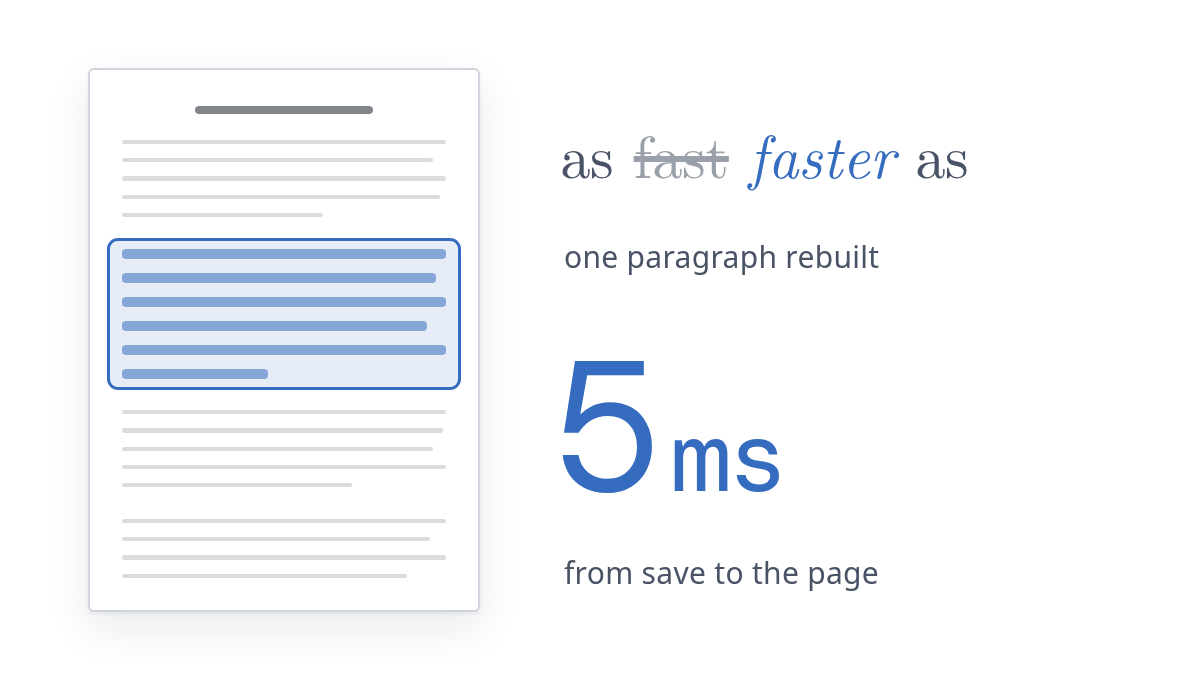
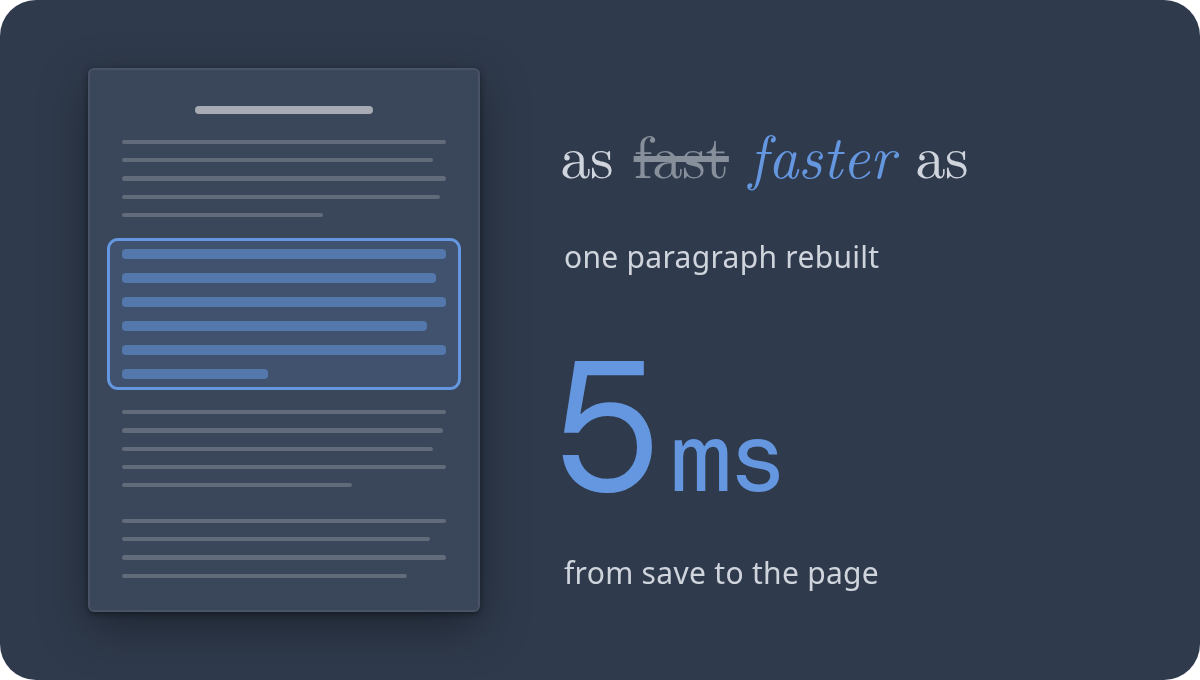
Change a word and only what it touches is rebuilt. A 400-page thesis is as quick as a letter.
 by


 KAUST
Why PhiTeX
Change a word and only what it touches is rebuilt. A 400-page thesis is as quick as a letter.
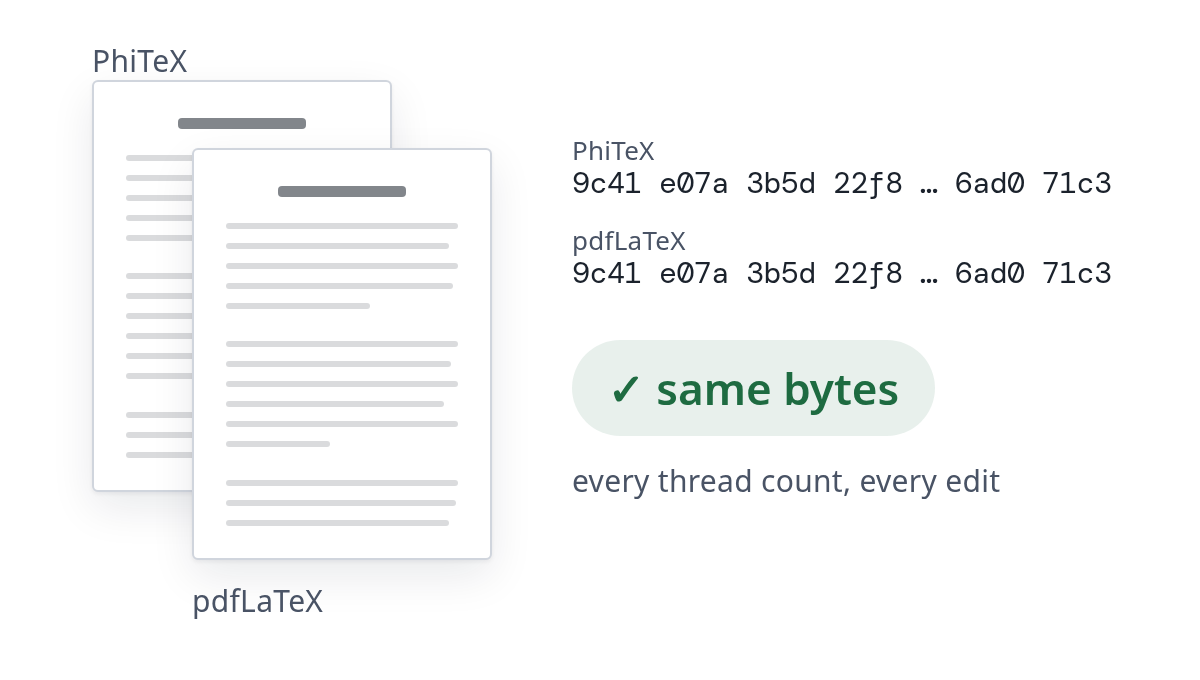
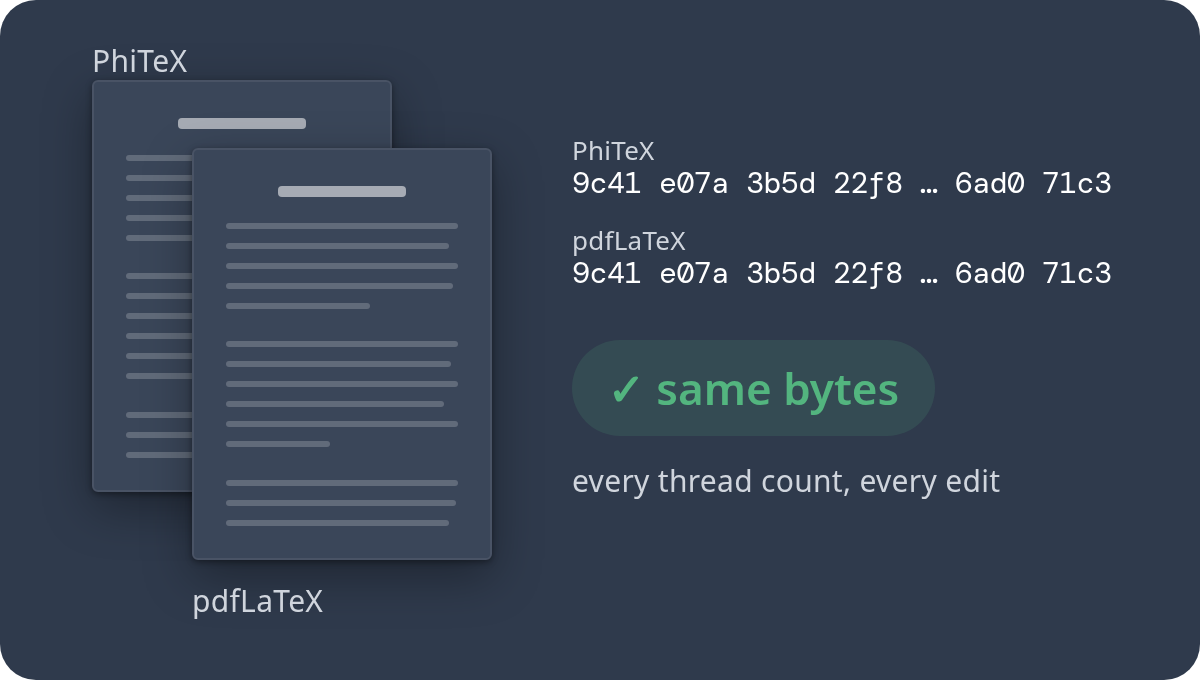
Byte for byte the PDF pdfLaTeX makes, cold or after a thousand edits. Nothing changes but the wait. See every document compared →
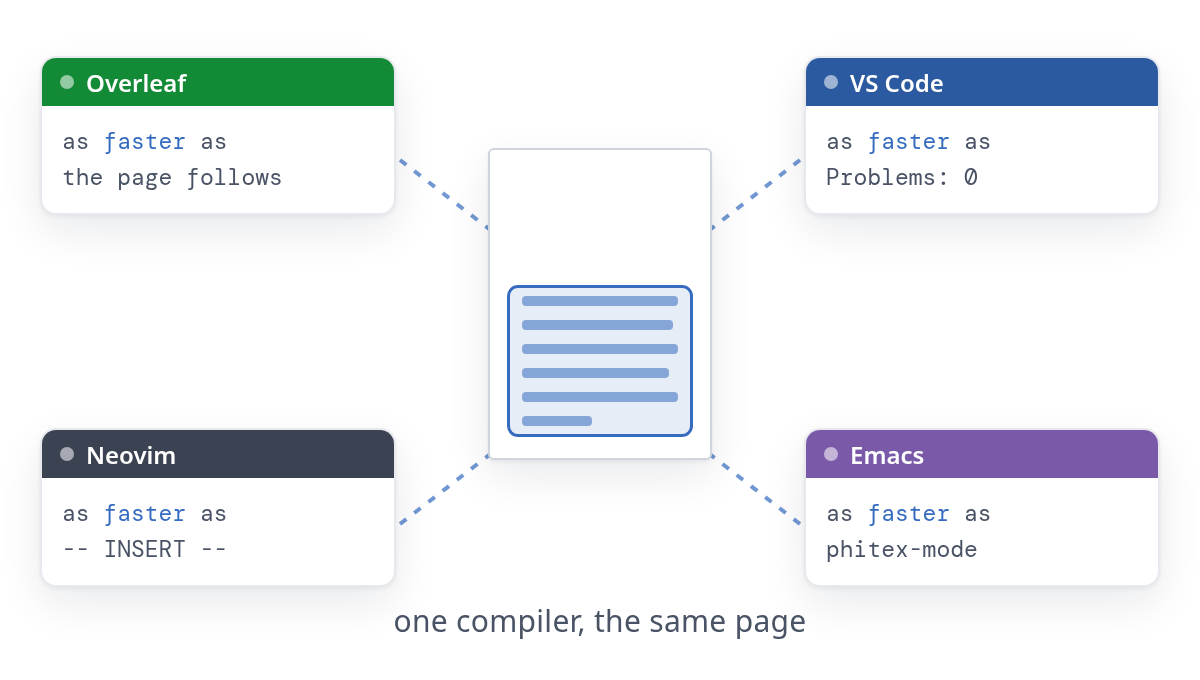
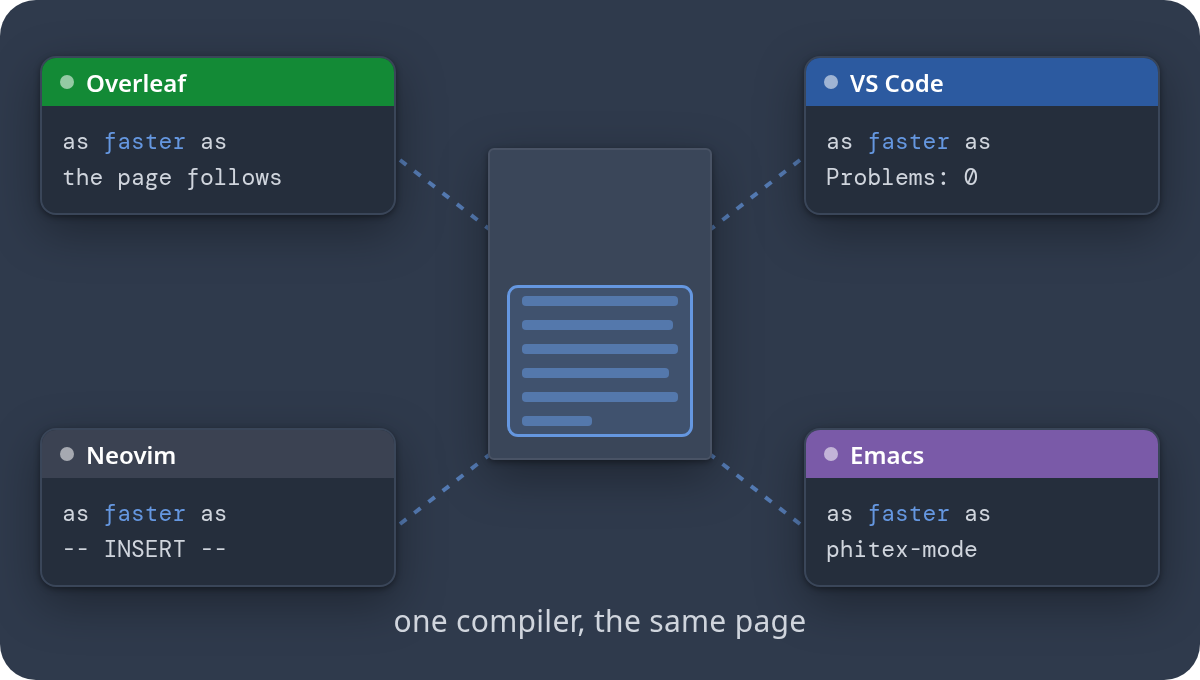
Overleaf, VS Code, Neovim, Emacs, any LSP editor, or a browser tab.
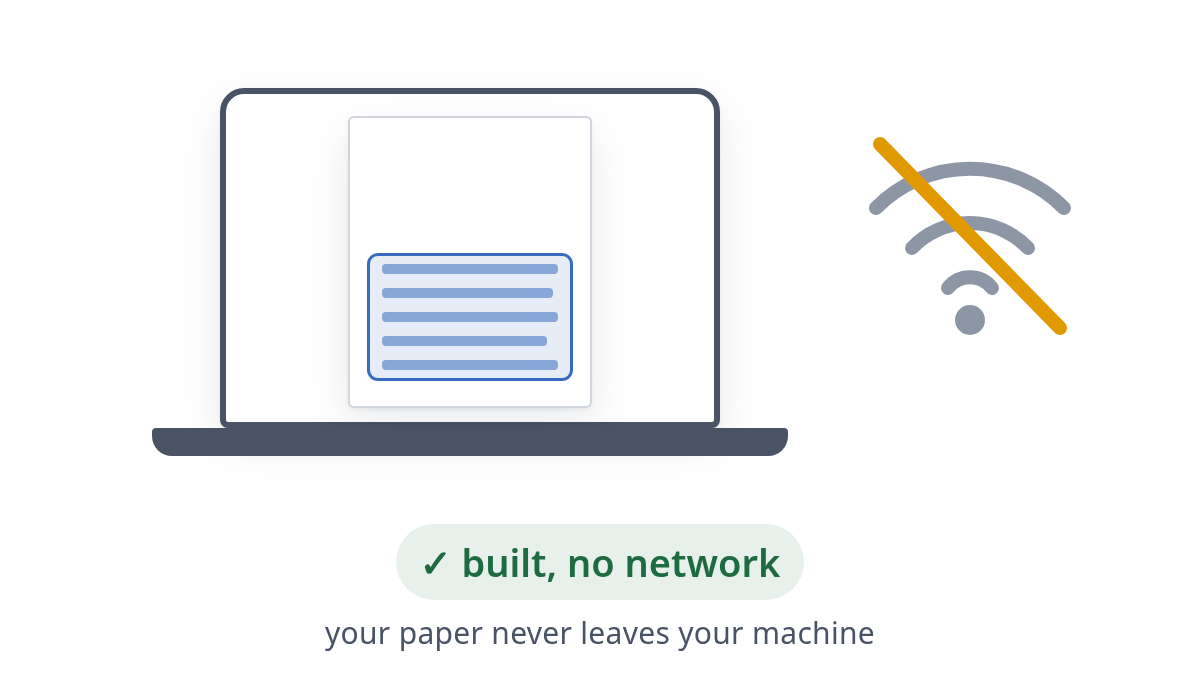
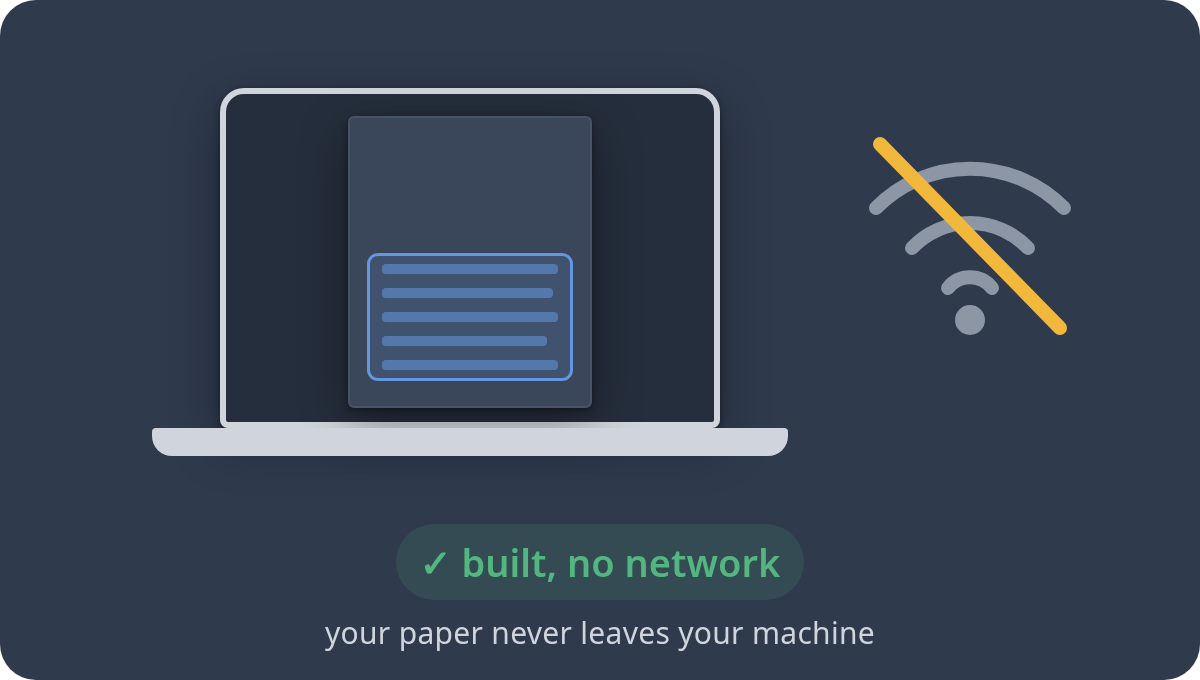
Your paper never leaves your machine or your browser. With TeX Live installed, the network is used only to check for updates, and only if you turn that on.
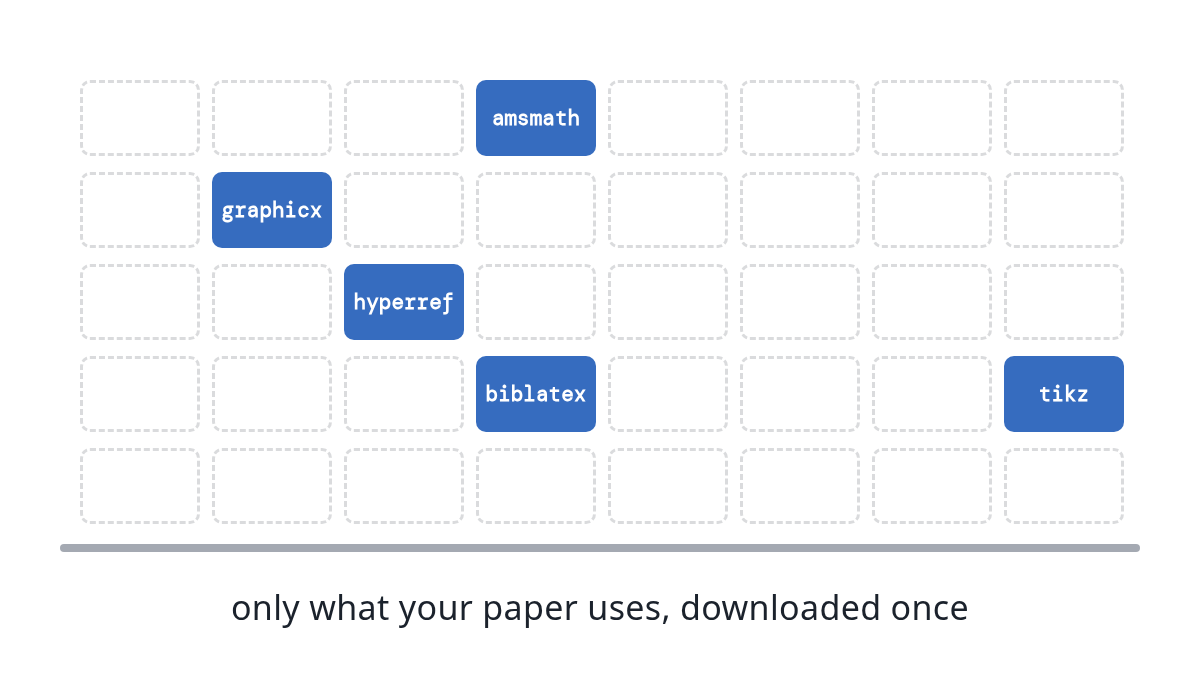
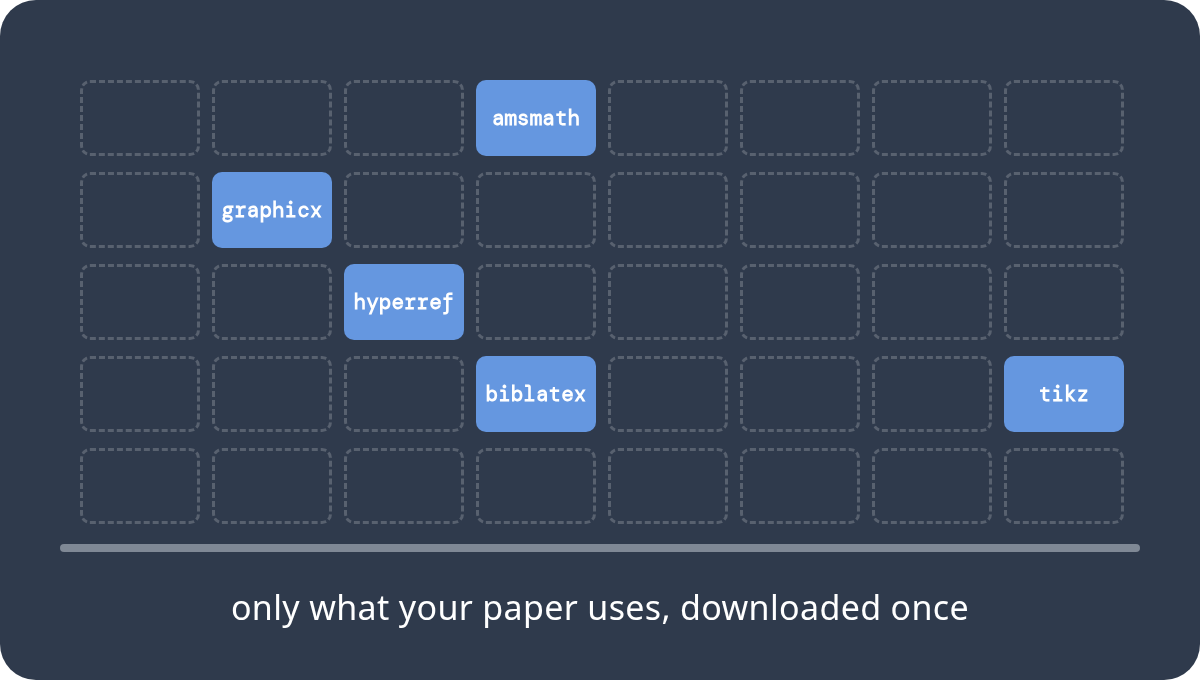
Without it, each package your paper uses is downloaded once, on first use, and kept.
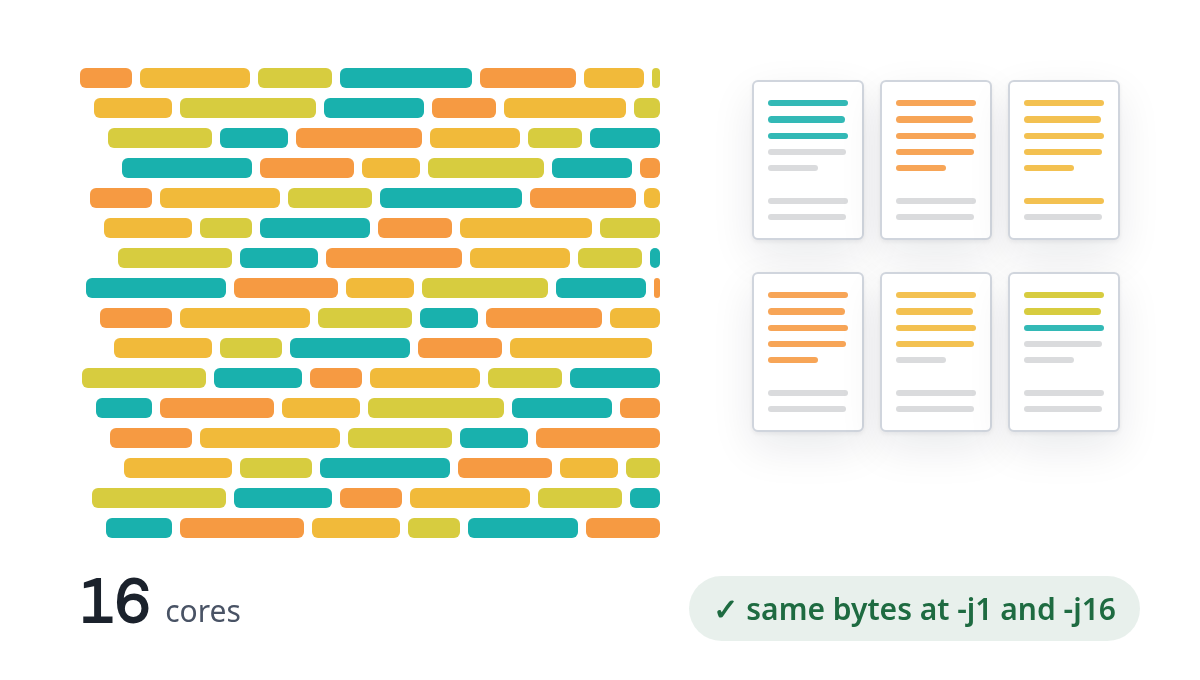
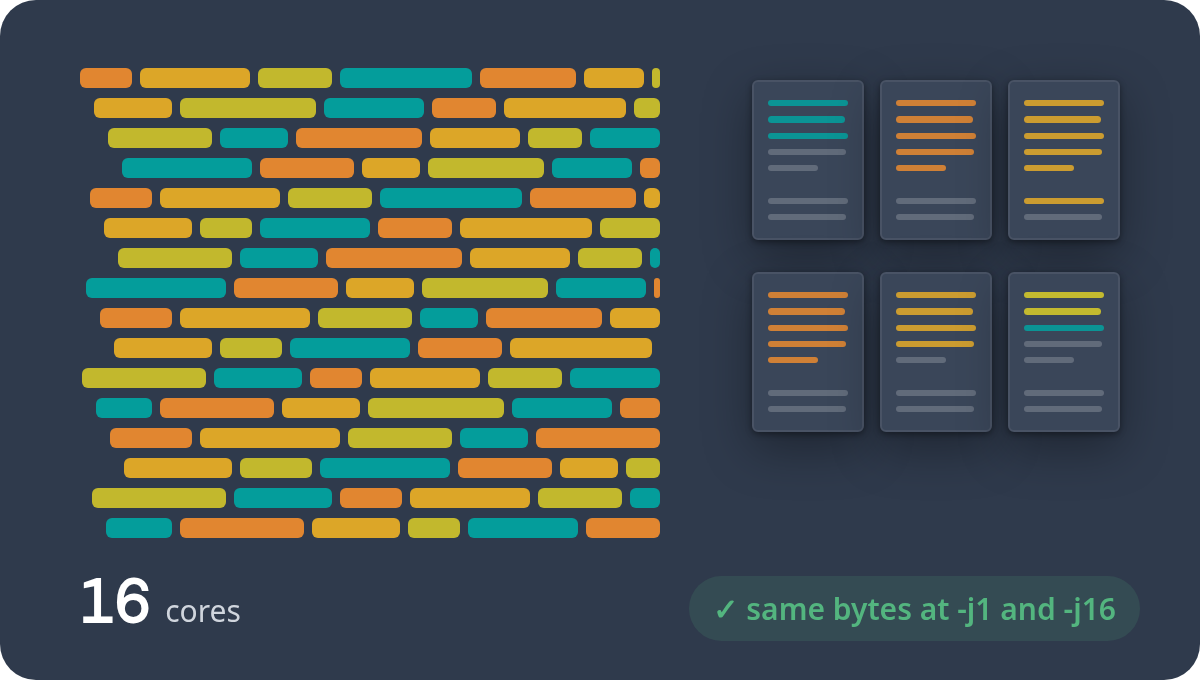
Paragraphs, pages and the PDF are built in parallel on every core, identical at any thread count. Experimental: not yet stable.
§1 One engine, everywhere
The same compiler, the same instant page, in the editor you already use.
phitex.lua (Neovim 0.11+): the page follows your cursor, diagnostics inline.Set up →phitex.el (Emacs 29+): the same, beside eglot or lsp-mode.Set up →phitex watch --lsp: your buffers built as you type, problems published, your cursor shown on the page.Set up →phitex watch paper.tex serves the live page on 127.0.0.1: open it in any browser, beside any editor. Double-click the page to reach the source.Set up →§2 Try it
A taste of writing with PhiTeX, below. The real engine, compiled to WebAssembly, runs in the demo: in your tab, nothing installed, nothing uploaded, your projects kept in the browser.
A design preview. PhiTeX's own editor, drawn in your browser: the page here is a mock-up, not typeset. To edit a real document, open the demo ↗.
§3 In the terminal
phitex watch paper.tex does what latexmk does, in one build: BibTeX or biber, makeindex and the reruns for references all happen inside it, and only when their input changes. No stale ??: every frame is perfect.
§4 Friendly errors
No wall of log. The preview says why the page looks the way it does, at the line to look at, and it never breaks. Incomplete input doesn't trap: an open { just runs to the end, and the last good page stays up, dimmed, with a banner saying why.
Every message comes from the compiler itself, with the exact place in your source. There's a --json mode for tools too.
§5 Measured
PhiTeX's PDF is compared byte for byte with pdfLaTeX's and XeLaTeX's on TeX Live's own manuals and the common journal templates, and its speed is measured on the same documents.
§6 How it works
A TeX compiler reads your document from the top, every time. PhiTeX keeps the whole build as a graph instead, and an edit changes only what depends on it.
Each piece of your document (a paragraph, a display, a table, a picture) becomes a node of the build, a node that runs TeX on its own text.
On a cold build the pieces all run at once, on every core. Each starts from what the pieces before it are expected to define, and is checked when they finish. A wrong guess reruns only that piece.
What the document writes and reads back (.aux, .toc, .bbl, .ind) is tracked entry by entry. When ¶6 writes eq:main, only ¶2, its reader, runs again. BibTeX, biber and makeindex run inside the build, only when their input changes.
Line breaking per paragraph, then page breaking, then a node per page for the output routine (headers, footnotes, floats), then the PDF writer.
The piece you edited runs again. Pieces after it run again only if they read something whose value changed. A word that moves no line break leaves the other pages alone; a change that reflows text redoes only the pages that actually change. On screen, only the changed part of the page is drawn again, not the whole PDF.
The engine follows pdfTeX's own specification, and the tests compare its PDF byte for byte with pdfTeX 1.40.29's, object numbers included, at every thread count. A cold build is an edit from nothing: one code path.
§7 FAQ
Fee- or fye-, -tek or -tex, whichever you like. Nobody agrees on how to say LaTeX either ;)
The Phi is φ, the golden ratio. Knuth numbers TeX's versions toward π, and it's at 3.141592653 now. We number PhiTeX's toward φ: this is 1.0, and next come 1.6, 1.61 and 1.618.
No. On this page and in the browser extension, everything runs locally as WebAssembly; the phitex CLI runs on your own machine. The extension's requests go to overleaf.com, as you, for your own project's files, and to PhiTeX's package shelf for the packages your document uses. None of them carries your text, your file names or who you are. No analytics, no server, no remote code. This site makes no third-party requests either: its fonts and libraries are bundled.
pdfLaTeX and XeLaTeX documents with your packages, BibTeX, biber and makeindex, Unicode and OpenType fonts, and the PDF matches pdfLaTeX's byte for byte. We publish the comparison on TeX Live's own manuals and the common journal templates, with every difference explained: correctness and speed. LuaLaTeX is planned.
It's PhiTeX's core invariant: after any sequence of edits, the incremental program equals a fresh build of the same text. The tests check it after random edits, and the extension can check it live against a fresh build.
Parallel builds (-j) are experimental in PhiTeX 1.0 and not yet stable, so a build uses one thread unless you ask for more. Beyond that, two limits, both on very large TikZ documents, and both will be fixed in a 1.0.x update. In the browser, a document the size of the TikZ manual (1,180 pages) runs out of memory around page 1,000; build it with the phitex CLI instead. On that manual, the live preview also takes about 1.9 times as long as a build without it. Normal documents aren't affected.
No. Without it, PhiTeX downloads each package your document uses once, on first use, checks it, and keeps it for offline builds. With TeX Live installed, it uses yours.
Nothing, and yes. The PhiTeX engine is free software under the GNU Affero General Public License v3.0 (AGPL-3.0-only).
No, I just made them up :'(